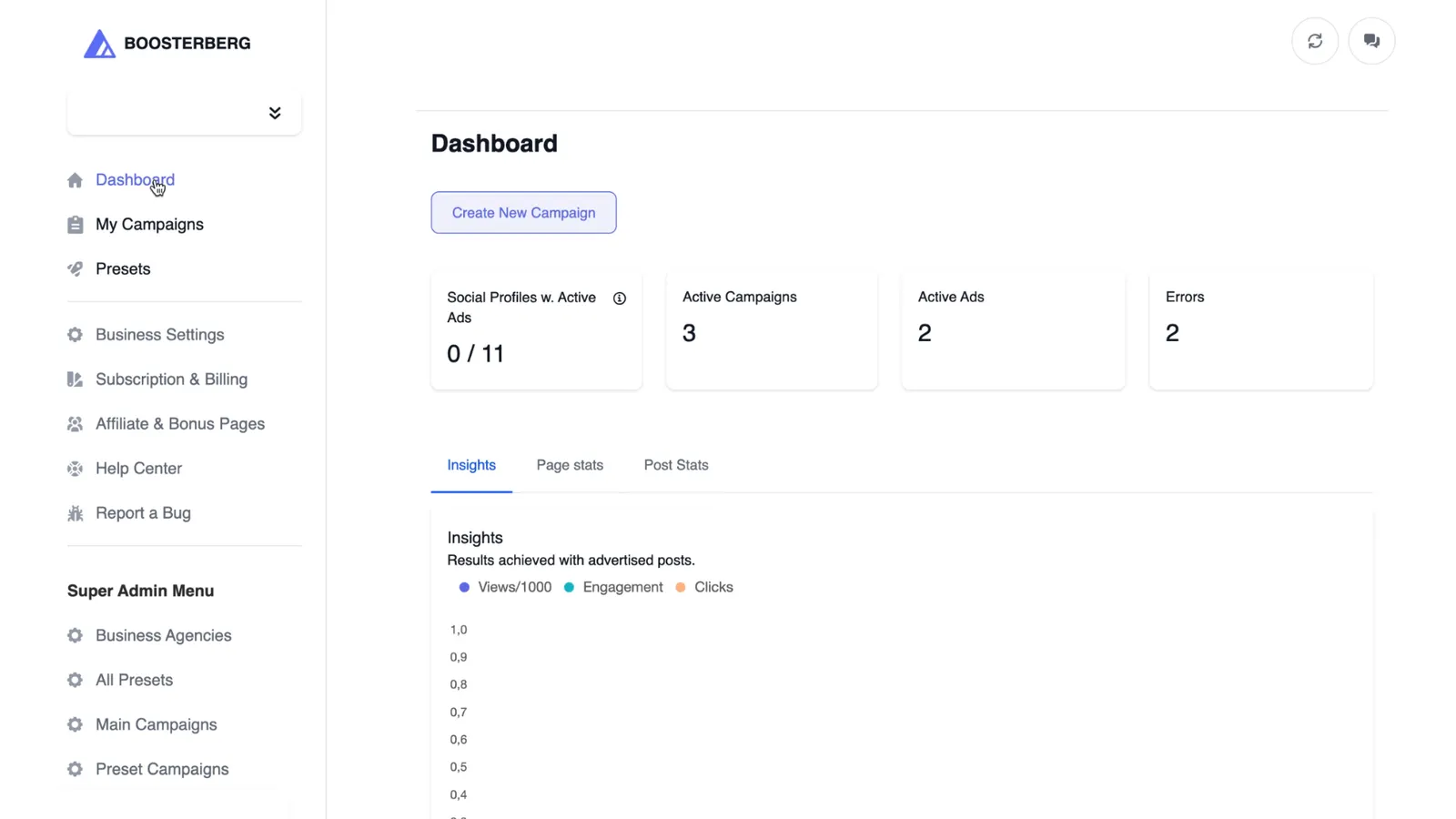
Boosterberg enables users to build fully automated promotion campaigns for Facebook and Instagram with customizable options for audience targeting, budget allocation, ad placements, and performance-based conditions.
Starting a New Campaign
Campaign Creation Flow
1
Navigate to Dashboard - Go to Dashboard or My Campaigns and select Create New Campaign.
2
Choose Your Platform - Select Facebook, Instagram, or Instagram Stories from the pop-up window.
3
Configure Campaign Settings - Select Content Source and Ad Account, choose your Campaign Goal, set an optional Campaign Budget, and define a Special Ad Category if applicable.
4
Set Up Ad Set - Create a new ad set with custom targeting, budget, and placements, or import an existing one from Ads Manager.
5
Configure Audience Targeting - Define audience selection, geographic location, age, gender, language, and targeting segments.
6
Set Budget and Timing - Choose Daily or Lifetime Budget, set start/end dates, define optimization goal, and add tracking parameters.
7
Choose Ad Placements - Use Automatic Placement (recommended) or manually select specific platforms and placements.
8
Configure Smart Boosting - Select a Smart Boosting Preset or create custom conditions. Define post types, boosting conditions, stop conditions, and past post checking settings.
UTM Tracking
You can add UTM codes to track traffic sources in analytics tools like Google Analytics. Configure these in the Ad Set settings.
European Ad Requirements
For European countries or worldwide targeting, you must specify the ad beneficiary as required by EU regulations.
Create Your First Campaign
Set up automated boosting for Facebook and Instagram in minutes.
Get Started