Once your Boosterberg account is created and verified, you are ready to create a new campaign and start boosting your posts.
Getting Started
Click on "login" at the boosterberg.com page (or go directly to app.boosterberg.com) and sign in with your Facebook profile. After a short loading period, you should arrive at your Dashboard.
Campaign Setup Steps
Setting Up Your Campaign
1
Choose a Facebook Page - Select the page for which you want to promote posts.
2
Choose an Ad Account - Select the ad account that will be charged for promoting your posts.
3
Pick Your Campaign Objective - Choose between Post Engagement, Traffic, or Conversion campaigns.
4
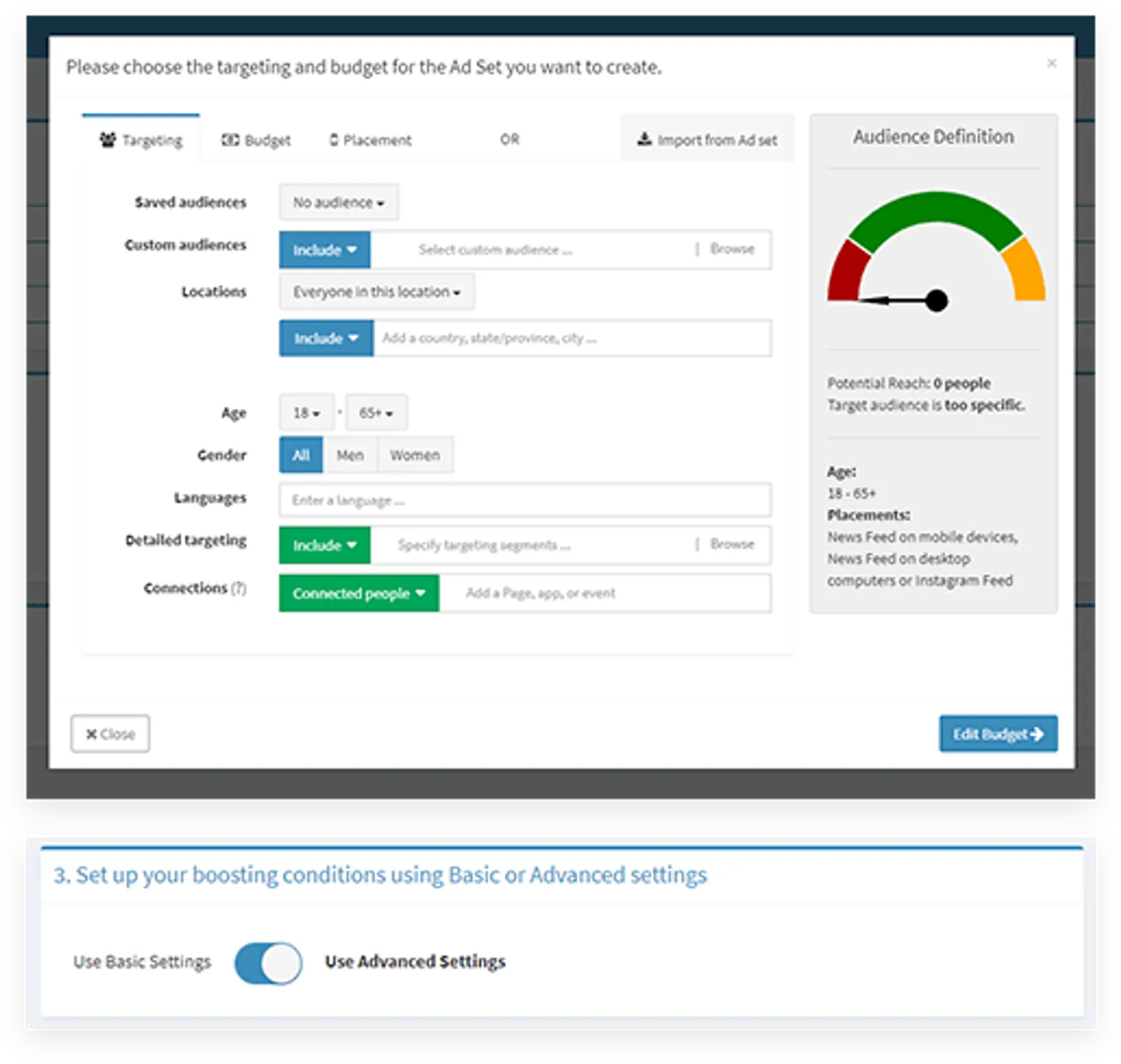
Set Up Ad Set Options - Click on Budget and Targeting to configure audience demographics, budget with optimization and scheduling, and placements.
5
Set Up Boosting Conditions - Configure basic settings (boost all posts or a percentage) and advanced settings (specific boosting and stop conditions).
6
Submit Your Campaign - Click Submit to finish setup and create your first campaign and ad set.