Requirements
Before You Start
- A valid email address
- A personal profile on Facebook
Registration Steps
How to Sign Up
1
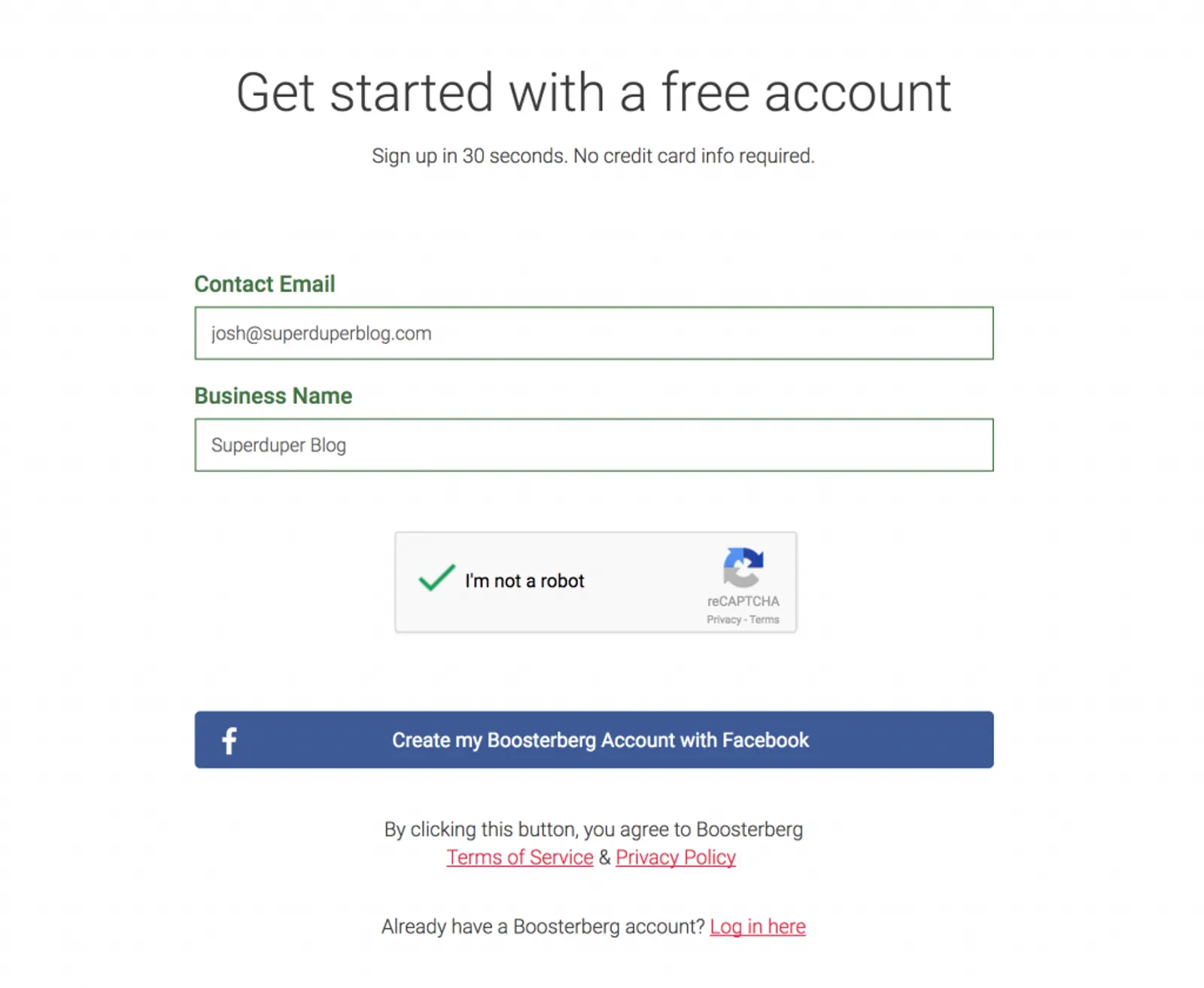
Visit the Registration Page - Go to app.boosterberg.com/site/signup to begin.
2
Enter Your Details - Enter your account name (e.g. "Supermarketing INC") and email address.
3
Complete Registration - Click the "Complete the registration" button to proceed.
4
Authorize Facebook - You will be redirected to Facebook to grant the necessary permissions. There will be two separate confirmation prompts.
5
Start Using Boosterberg - Once authorization is complete, you will arrive at your Dashboard with your Facebook pages and ad accounts ready.
Getting Started
Begin by clicking the Create new campaign button. This will guide you through setting up a new promotional campaign for your page.
Ready to Get Started?
Create your free Boosterberg account and start automating your ads today.
Sign Up Free